
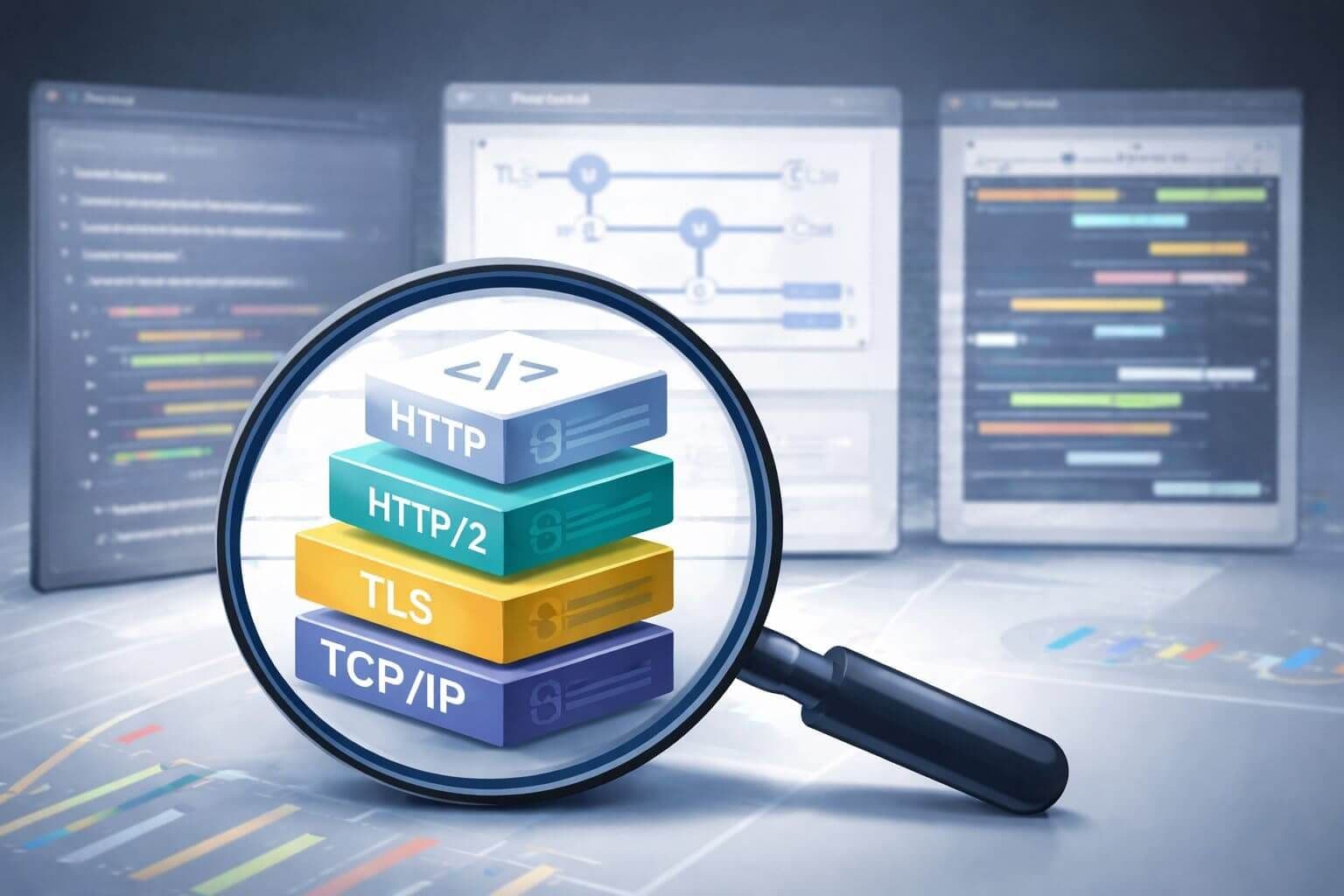
Most teams eventually learn the same expensive lesson: changing the User-Agent header is not enough. A session can claim to be Chrome, Firefox, or Safari in the headers while the underlying transport behavior tells a completely different story. The TLS handshake looks wrong, the HTTP/2 settings do not match a real browser, the connection reuse pattern is off, or the client silently falls back to HTTP/1.1 when a browser would have negotiated something else. At that point, the problem is no longer just header spoofing. It is protocol-level inconsistency.
That is why HTTP/2 fingerprinting and newer protocol-level fingerprinting matter. On harder targets, anti-bot systems do not stop at the header layer. They compare what the client says about itself against how it actually behaves across TLS, ALPN, HTTP/2, and increasingly QUIC and HTTP/3. If those layers do not line up, the session becomes easier to distrust. That often leads to silent degradation, higher challenge rates, or straight 403 responses even when the visible headers look perfectly normal.
This guide explains what gets fingerprinted beyond the user agent, why it matters in practical scraping terms, and how intermediate and expert teams should think about browser-like HTTP/2 and HTTP/3 behavior without overengineering the stack.
Why user-agent spoofing stopped being enough
A user agent is only one claim the client makes.
Modern anti-bot systems can compare that claim against deeper signals such as:
- TLS fingerprint behavior
- ALPN negotiation
- HTTP/2 SETTINGS and stream behavior
- browser-surface consistency
- connection reuse patterns
- session continuity over time
That means a session can look correct at the header layer and still fail because the transport layer looks synthetic.
This is the central problem with shallow spoofing. It changes what the client says, but not how the client behaves.
What protocol fingerprinting actually looks at
When people talk about “HTTP/2 and HTTP/3 fingerprinting,” they are really talking about a layered fingerprint surface.
A helpful way to think about it is this:
- TLS layer decides how the secure connection is negotiated
- ALPN layer helps determine which application protocol is used
- HTTP/2 or HTTP/3 layer exposes client-specific transport behavior
- header layer sits on top of that and is only one part of the story
A mismatch at any one of those layers can make the whole session less believable.
TLS and ALPN are part of the fingerprint story before HTTP even begins
Long before the target sees your parsed HTML, it can see how the client negotiates the secure connection.
Important signals often include:
- TLS ClientHello structure
- cipher suite ordering
- extension ordering
- GREASE behavior
- ALPN advertisement and negotiated protocol
- session reuse patterns
For scraping teams, the practical lesson is simple:
If the client claims to be a modern browser but the TLS and ALPN behavior looks like a generic library stack, the session may already be lower trust before the first real page response arrives.
What HTTP/2 fingerprinting means in practice
HTTP/2 is not just “faster HTTP.” It also introduces client-specific implementation behavior.
One commonly referenced way to summarize this is the Akamai HTTP/2 fingerprint model, which captures HTTP/2 settings and related behavior in a compact signature. In practice, this means that anti-bot systems can use HTTP/2 behavior as a differentiator between browser families and generic clients. (curl-cffi.readthedocs.io)
Signals can include:
- SETTINGS frame values
- SETTINGS ordering
- initial window sizes
- stream concurrency behavior
- priority usage or omission
- header pseudo-field behavior
- frame pacing and flow control patterns
- connection and stream reuse patterns
This is why two clients can send the same visible headers and still look very different at the protocol layer.
HTTP/3 changes the transport, not the underlying lesson
HTTP/3 introduces QUIC and a new set of transport parameters, which expands the fingerprint surface further. curl_cffi’s own documentation treats HTTP/2 and HTTP/3 fingerprinting as part of the same broader impersonation problem: once anti-bot systems compare behavior below the header layer, shallow spoofing becomes weaker. (curl-cffi.readthedocs.io)
For scraping teams, the practical lesson stays the same:
- protocol choice matters
- implementation choice matters
- browser-like behavior matters more than header cosmetics alone on harder targets
Why this matters for scraping teams
Protocol-level mismatches can create several expensive failure modes.
1. Hard blocks
The target sees enough inconsistency to return a 403 or challenge flow quickly.
2. Silent degradation
The session still gets a page, but not the same one a clean browser would have received.
3. Higher challenge frequency
The traffic is not completely blocked, but it gets pushed into lower-trust paths more often.
4. Higher retry cost
The scraper spends more time fighting friction without knowing the real cause.
This is why protocol fingerprinting is not just a low-level curiosity. It affects data quality, cost per successful page, and operational reliability.
The real distinction: protocol support versus protocol likeness
A lot of teams ask:
- does this client support HTTP/2?
- does this stack speak HTTP/3?
Those are useful questions, but they are incomplete.
A better question is:
Does this client behave enough like a real browser at the transport and protocol layer for this target class?
A generic HTTP/2-capable client may still expose settings, ordering, or reuse behavior that make it easy to separate from real browser traffic.
That is why “supports HTTP/2” and “looks like a browser using HTTP/2” are not the same thing.
The biggest practical mistake: treating all HTTP/2-capable clients as equal
Many teams upgrade from HTTP/1.1 to HTTP/2 and expect that alone to improve access.
Sometimes it does not.
That is because anti-bot systems may compare:
- TLS fingerprint
- ALPN behavior
- HTTP/2 settings
- browser fingerprint consistency
- header family
- session behavior over time
If only one layer becomes more browser-like while the others still look synthetic, the session may still fail.
This is one reason browser automation or browser-impersonating clients often outperform generic libraries on harder targets.
What a real browser-like client gets right that many libraries do not
Browsers do not just send common headers. They also use repeatable TLS and HTTP/2 combinations that anti-bot systems can recognize.
For Python users, curl_cffi is one of the clearest examples of a library built specifically around browser-like impersonation. Its documentation states that it can impersonate browsers’ TLS signatures and HTTP/2 behavior, and it directly discusses HTTP/2 and HTTP/3 fingerprinting. (curl-cffi.readthedocs.io)
That matters because the issue is not whether a library can make a request. The issue is whether its network behavior contradicts the browser identity it claims.
What to look for in a client when protocol fingerprinting matters
If you suspect the target is sensitive to protocol-level mismatch, useful client characteristics include:
- browser-like TLS and HTTP/2 behavior
- version-aware browser impersonation support
- enough control to test realistic client profiles consistently
- observability so you can compare outcomes by client family
- a clear path to escalate from lightweight client to browser automation if needed
The goal is not to collect infinite low-level knobs. The goal is to avoid obvious contradictions.
A practical way to think about client selection
Not every target needs browser-grade transport likeness.
A simpler client may still be enough when:
- the site is mostly static
- the site is low-friction
- the anti-bot model cares more about rate than browser nuance
- throughput and simplicity matter more than browser parity
A browser-like client becomes more attractive when:
- generic clients underperform despite good proxies and clean headers
- browser automation succeeds where standard HTTP clients fail
- protocol-level mismatch appears to correlate with challenge rates
- the target seems sensitive to TLS and HTTP/2 behavior
That is when tools like curl_cffi start becoming more practical.
curl_cffi is especially relevant for Python teams
curl_cffi is worth understanding because it offers a very concrete Python path to browser-like impersonation. Its docs describe browser impersonation, JA3/TLS fingerprinting, Akamai-style HTTP/2 fingerprints, and custom JA3/Akamai controls for testing and customization. (curl-cffi.readthedocs.io) (curl-cffi.readthedocs.io)
That does not make it a universal answer. But it does make it one of the clearest reference points for Python teams dealing with transport-level mismatch.
Practical Python example with browser impersonation
from curl_cffi import requests

resp = requests.get(
    "https://example.com",
    impersonate="chrome",
    timeout=20,
)

print(resp.status_code)
print(resp.text[:200])
curl_cffi documents browser impersonation support and explains that it can impersonate browser TLS and HTTP/2 fingerprints, which is why it is often used when standard Python clients are not browser-like enough for the target. (curl-cffi.readthedocs.io)
Practical Python example with custom fingerprint controls
from curl_cffi import requests

resp = requests.get(
    "https://example.com",
    impersonate="chrome",
    # ja3=..., akamai=..., extra_fp=... can be supplied when needed
    timeout=20,
)

print(resp.status_code)
curl_cffi also documents support for supplying custom JA3, Akamai, and extra fingerprint parameters for cases where teams need finer-grained testing or tuning. (curl-cffi.readthedocs.io)
When browser automation is the better answer
Sometimes the right answer is not to keep tuning a lightweight client.
A real browser often becomes the better fit when the target also depends heavily on:
- JavaScript-rendered content
- browser-surface checks beyond transport behavior
- session continuity and interaction state
- complex challenge flows
- rendering completeness that a lightweight client cannot reproduce
At that point, transport-level likeness is only one part of the problem. A real browser can solve several layers at once.
How to think about HTTP/2 settings without getting lost in low-level tuning
Intermediate and expert teams often make one of two mistakes here.
Mistake 1: ignore protocol behavior entirely
This leads to shallow spoofing and confusing failures.
Mistake 2: obsess over every low-level setting before proving it matters
This leads to complexity without enough evidence.
A stronger approach is:
- identify whether the target appears sensitive to protocol-level mismatch
- compare outcomes across client families
- use browser-like clients where evidence suggests it matters
- escalate to browser automation when protocol likeness alone is not enough
This keeps the work measurable and avoids protocol cargo-culting.
Practical signals that protocol fingerprinting may be part of the problem
You usually do not get an error that says “your HTTP/2 SETTINGS look wrong.”
Instead, you see patterns such as:
- one client family gets blocked much faster than another despite similar proxies and headers
- browser automation succeeds where generic HTTP clients fail
- the same target returns degraded content only on some client stacks
- browser-impersonating clients perform better than generic libraries on the same route
- improving proxy quality alone does not solve the issue
These signals do not prove protocol fingerprinting by themselves, but they are strong reasons to test at that layer.
A practical testing workflow for protocol-sensitive targets
If you suspect protocol-level mismatch is affecting results, use a controlled comparison.
1. Pick one real target workflow
Use a page type or route that reliably shows friction.
2. Compare at least three collection paths
For example:
- a standard Python HTTP client
- a browser-impersonating HTTP client
- a real browser automation path
3. Keep the rest of the session consistent
Use similar:
- proxy quality
- geography
- request timing
- headers where appropriate
- session length
4. Measure outcomes that matter
Do not measure only status code. Compare:
- page completeness
- challenge incidence
- visible content quality
- latency
- cost per successful usable page
That is how you determine whether the protocol layer is actually contributing to the problem.
Proxies can preserve or ruin protocol realism
This is one of the most important operational points.
Even if the client itself is browser-like, the proxy path can still break the session story.
Things to watch for include:
- protocol downgrade along the path
- proxy behavior that alters what the target sees
- unstable session routing that breaks connection continuity
- geography or latency patterns that contradict the claimed browser persona
This is why protocol-level realism works best with:
- stable session routing
- good proxy quality
- geography aligned to the target use case
- consistency across the whole request path
A proxy layer such as InstantProxies can still be valuable here because transport-level improvements do not matter much if the network path itself is noisy or contradictory.
Browser-like impersonation should stay disciplined
Even when using a client that supports browser-like transport behavior, consistency still matters.
A stronger setup usually means:
- use a small set of realistic browser profiles
- keep profile choice stable within a session
- align headers with the impersonated browser family
- avoid mixing browser-like transport with obviously inconsistent session behavior
The goal is not maximum randomness. The goal is reducing contradiction.
Common mistakes when tackling protocol fingerprinting
Focusing only on the user agent
This is the most common mistake. Headers do not define the full session identity.
Treating HTTP/2 support as if it means browser-like behavior
Support and likeness are different things.
Randomizing too much
A session that changes too many transport and header details becomes less believable, not more.
Ignoring the rest of the stack
Protocol improvements will not fix weak proxies, poor session design, or browser-surface inconsistencies elsewhere.
Escalating complexity before proving the problem
Test whether protocol-level mismatch is affecting the target before building a heavier stack around it.
A practical checklist for HTTP/2 and HTTP/3 fingerprint-sensitive scraping
Use this checklist when reviewing a target that may care about protocol-level fingerprints.
- determine whether user-agent spoofing alone is underperforming
- compare outcomes across generic clients, browser-like clients, and browsers
- prefer browser-like protocol behavior when the target appears sensitive to mismatch
- keep the chosen browser profile stable within a session
- align headers and session behavior with the claimed client family
- measure page completeness and challenge rate, not just status code
- escalate to browser automation when protocol-layer likeness is still not enough
- avoid tuning low-level settings blindly without evidence
- treat cost per successful usable page as the key metric
- keep the rest of the stack disciplined so protocol improvements are not undermined elsewhere
Frequently asked questions about HTTP/2 and HTTP/3 fingerprinting
Why is a user agent alone not enough anymore?
Because anti-bot systems often compare headers against deeper transport and browser behaviors. If those layers do not match, the session is easier to distrust.
What is HTTP/2 fingerprinting in simple terms?
It is the use of HTTP/2 implementation details, such as settings and behavior patterns, to help identify the kind of client making the request. Akamai-style HTTP/2 fingerprints are one well-known example. (curl-cffi.readthedocs.io)
Does this mean every scraper needs a browser-like client?
No. Many targets do not require that level of likeness. Use it when target friction shows it matters.
Is curl_cffi relevant for Python users here?
Yes. It is one of the clearest Python examples of a client designed around browser-like TLS and HTTP/2 impersonation. (curl-cffi.readthedocs.io)
What should I optimize first?
Start by proving whether protocol-level mismatch is affecting the target. Compare client outcomes before adding complexity.
The real lesson is consistency below the header layer
The hardest scraping failures often begin when the session looks browser-like only at the surface.
The headers claim one thing, but the TLS and HTTP/2 behavior suggest something else. That is where user-agent rotation stops being enough and protocol-level consistency starts mattering.
For teams working on harder targets, the useful next step is not blind low-level tweaking. It is disciplined testing: compare client families, measure content quality, and escalate from generic clients to browser-like clients or real browsers only when the evidence shows the target cares about those differences.
If you are building protocol-sensitive scraping workflows, pair that transport-layer thinking with the right network layer from InstantProxies, compare current plans on the pricing page, and review available proxy types on the proxies page so your headers, transport behavior, and proxy strategy reinforce each other instead of creating avoidable contradictions.